The future of screen mirroring and content sharing
Discover how Connect 3 bridges devices and displays with unmatched simplicity and versatility.
Discover how Connect 3 bridges devices and displays with unmatched simplicity and versatility.
Featuring triple 4K displays, low-latency screen mirroring, and robust security, Connect 3 is the ultimate tool for effortless content sharing.
Universal Receiver
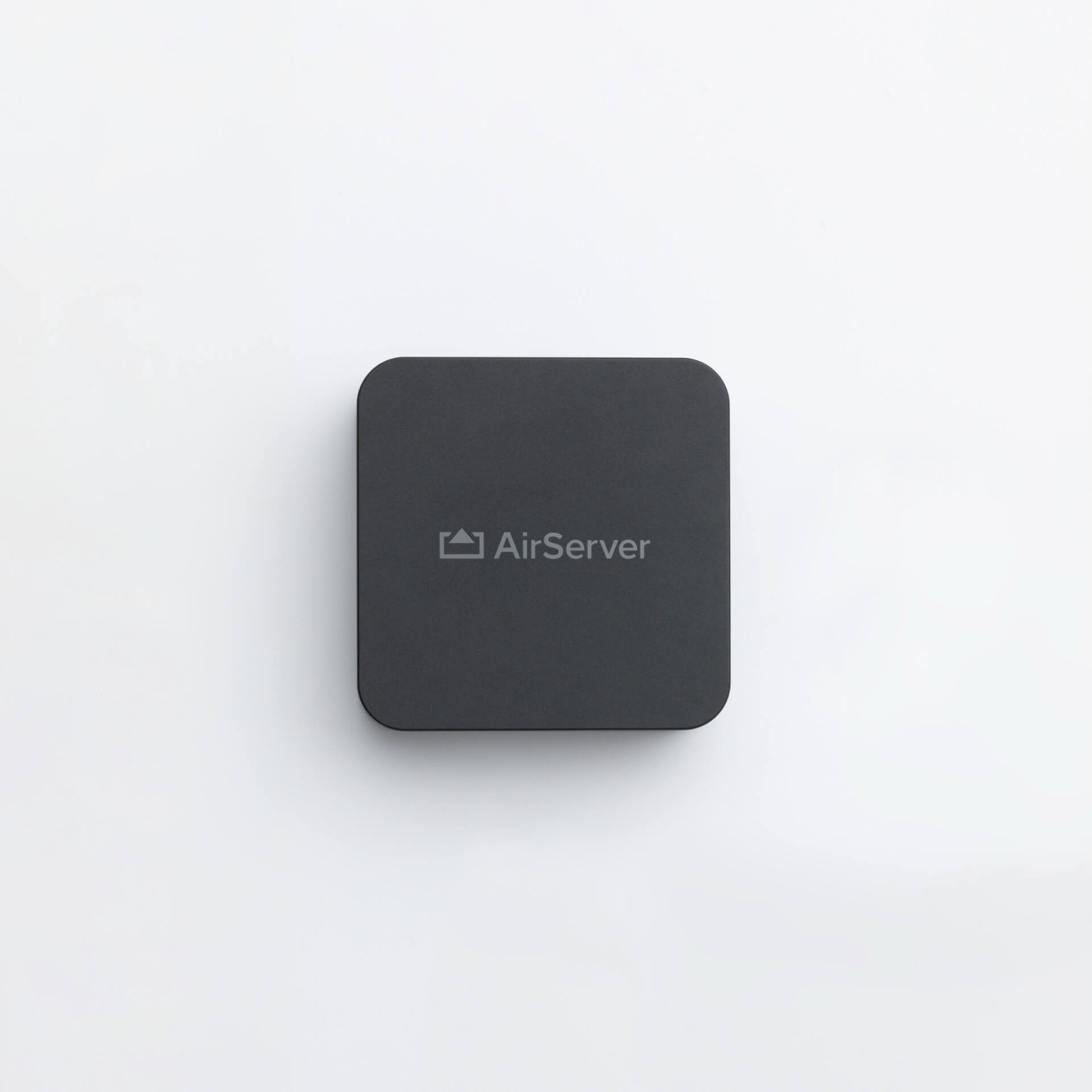
AirPlay, Google Cast, Miracast, and a commercial-grade Guest Hotspot seamlessly integrated into a single universal receiver—an industry first.
Cast Enabled
Stream your favorite online content, including Disney+, National Geographic, and Amazon Prime, directly to the big screen via Google Cast.
Future-proof Design
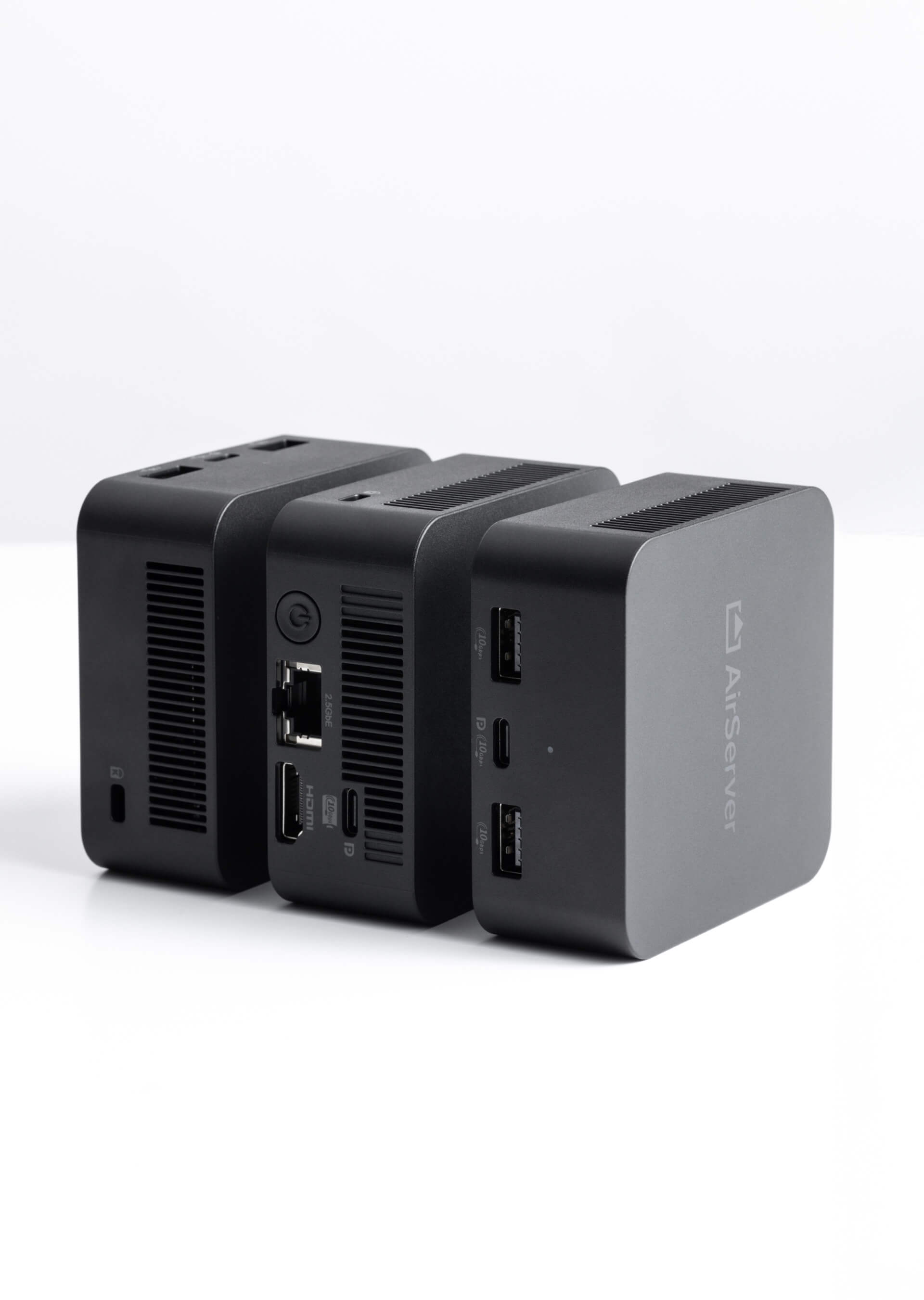
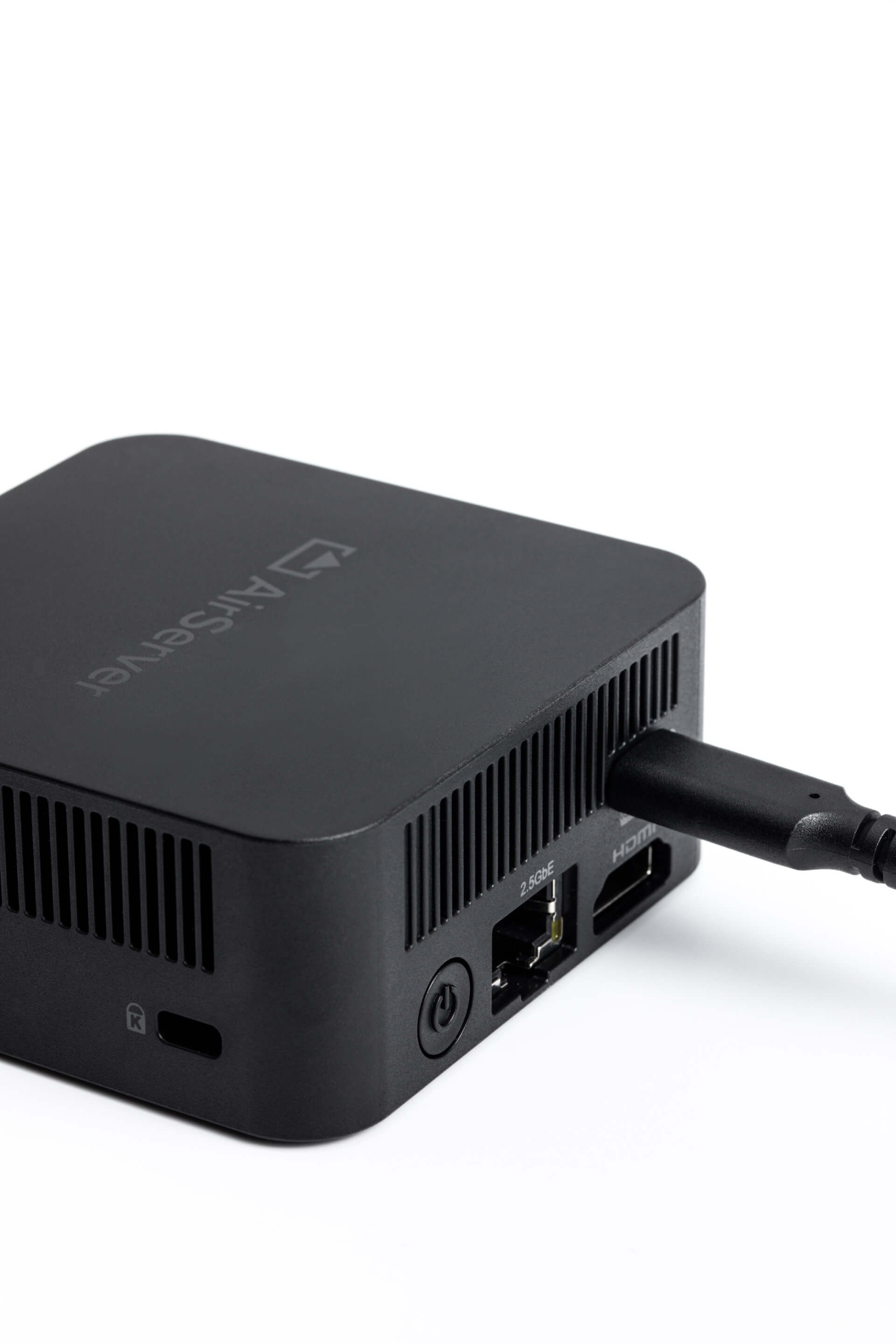
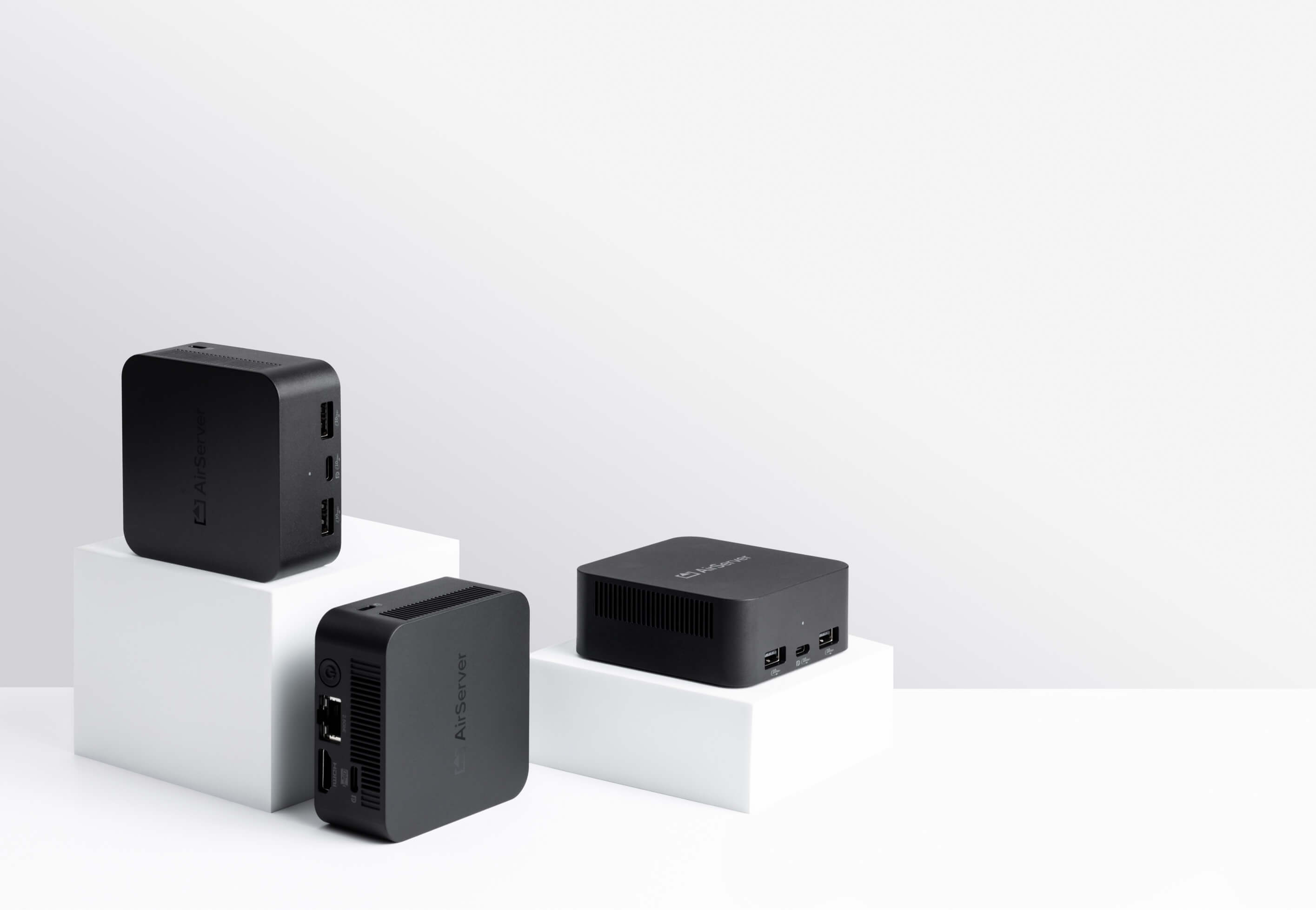
A single supplied USB-C cable powers the device while providing display, networking, touch, and camera support. The removable magnetic mount ensures effortless installation.
| Core Performance & Capabilities | |||||||
| System on Chip | Intel 12th generation, 2023 design. | ||||||
| RAM / Storage | 8GB LPDDR5 / 64GB eMMC | ||||||
| Wireless & Connectivity | |||||||
| Wi-Fi | 2.4 GHz, 5 GHz, 6 GHz (Wi-Fi 6E). This device is limited to indoor use only when operating in the 5150-5350 MHz frequency. | ||||||
| Network | 2.5 GbE LAN and Wi-Fi. | ||||||
| Hotspot |
| ||||||
| Device Compatibility & Streaming Protocols | |||||||
| AirPlay 2 |
| ||||||
| Google Cast |
| ||||||
| Miracast |
| ||||||
| Full BYOD Support | Comprehensive protocol support with AirPlay 2 enhancements, Google Cast DRM playback, improved Miracast for Windows and Samsung DeX, portrait screen compatibility, and a guest network for seamless device connections. | ||||||
| BYOM Ready | Effortlessly connect to all meeting room peripherals such as USB cameras (with full 4K resolution), through the upcoming Connect Button. No apps or drivers required. | ||||||
| Collaboration & Interactivity | |||||||
| Touch Screen Support & Interactivity | Yes, full touch back support over Miracast with up to 10 touch points (pens/fingers). | ||||||
| Session Moderation | Control and select what is being shared on the connected display using the built-in moderator web portal. | ||||||
| Video Streaming & Display Features | |||||||
| DRM Support | Seamlessly streams online content like Disney+, National Geographic and Amazon Prime via Google Cast. | ||||||
| Sources Simultaneously on Screen | 12× 1080p60, 6× 4K30, or 3× 4K60 jitter-free sources, unlimited sessions beyond that. | ||||||
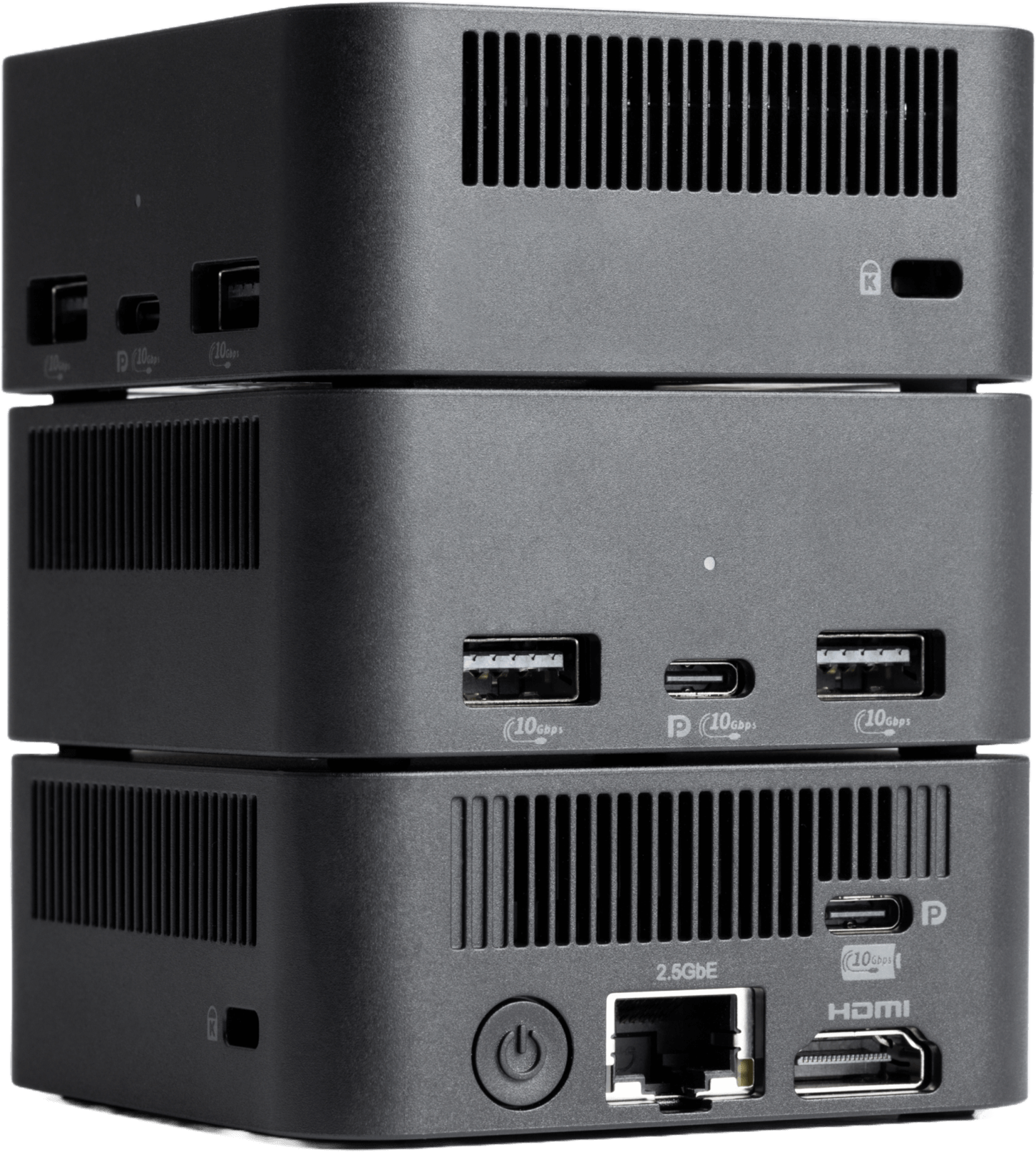
| Video Output | Triple Display in 4K UHD (3840 × 2160 @ 60 Hz) Front: 1× USB-C (DP Alt Mode 1.4) Back: 1× USB-C (DP Alt Mode 1.4), 1× HDMI 2.0a | ||||||
| Natively Supported Display Resolutions | USB-C: 5120 × 2160 (5K2K Ultrawide 21:9) 5120 × 1440 (Super Ultrawide 32:9) USB-C, HDMI: 3840 × 2160 (4K UHD, 16:9) 1920 × 1080 (Full HD, 16:9) | ||||||
| Display Orientation | TVs and touch panels are fully compatible and optimised for both landscape and portrait orientations. | ||||||
| Audio & I/O Connectivity | |||||||
| Audio Output | USB, HDMI | ||||||
| HDMI in | Yes, using optional accessory. | ||||||
| Connectivity (I/O Ports) |
| ||||||
| Security & Management | |||||||
| Authentication Protocol | WPA2, WPA3 | ||||||
| Anti-theft System | Kensington Lock | ||||||
| Central Management & Reporting | Free, with no additional fees or subscription models required. | ||||||
| Additional Features | |||||||
| Live Streaming | Share the big screen with the people at the back or in other rooms. | ||||||
| Digital Signage | Supports popular HTML-based digital signage players. | ||||||
| Software & Support | |||||||
| Languages | English, French, German, Italian, Spanish. | ||||||
| Software Updates | Yes, without any subscription fee. | ||||||
| Offline Updates | Yes, using USB flash drive. | ||||||
| Certifications | FCC/CE/UL/RCM/IMDA/TELEC (MIC)/ISED/WPC/TDRA & TAA Compliance | ||||||
| Warranty | 2 years standard. | ||||||
| Power & Physical Specifications | |||||||
| Power Supply | 45W+ (20V, 2.25A or more) USB-C PD power adapter (available in optional accessory box). | ||||||
| Power Consumption | ~5-10W | ||||||
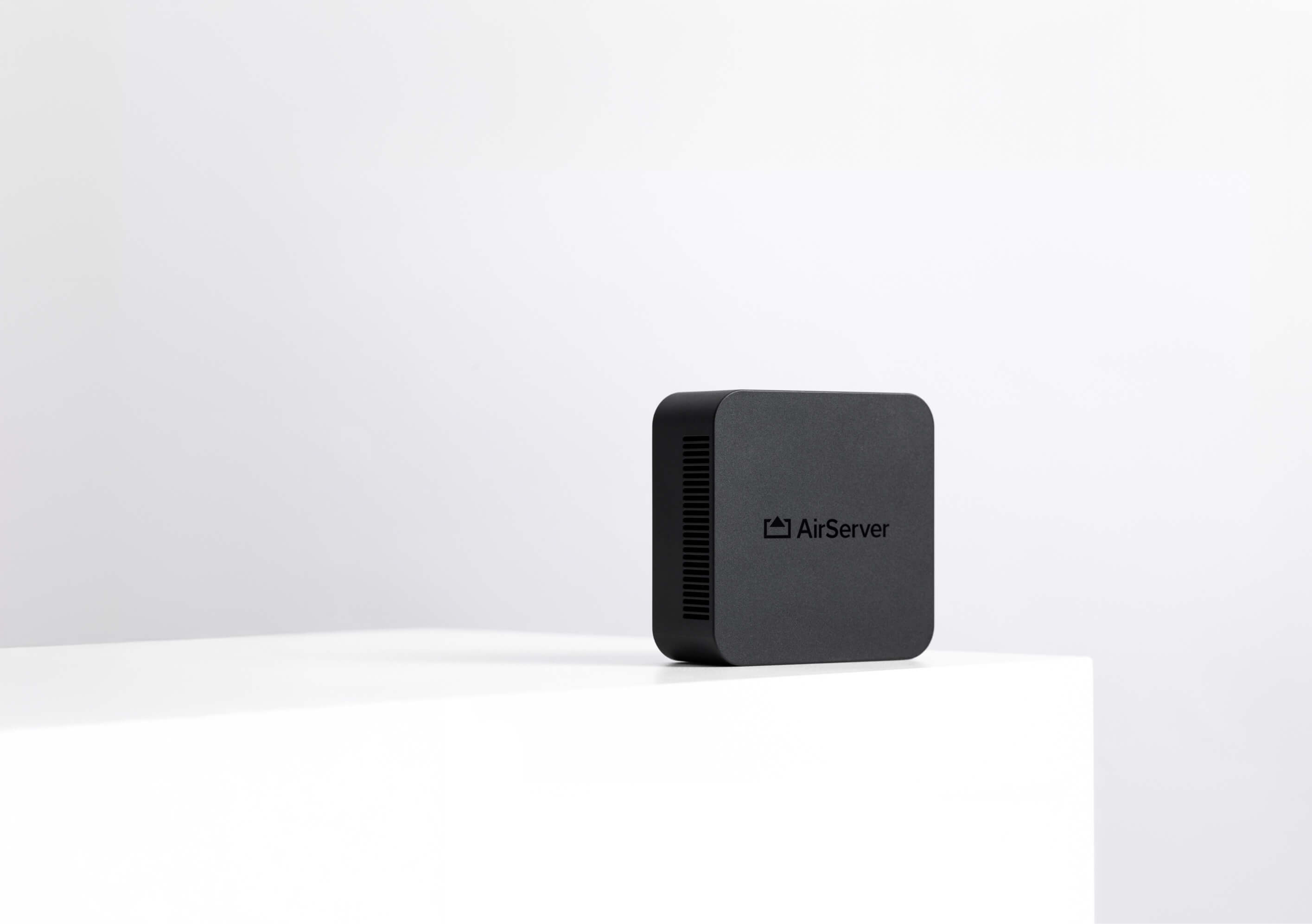
| Dimensions (h×w×d) | 78 mm × 78 mm × 34 mm (39 mm with magnetic mount) 3.07 in × 3.07 in × 1.34 in (1.54 in with magnetic mount) | ||||||
| Weight | 218 g (0.48 lb) / 250 g (0.55 lb) with magnetic mount | ||||||
| MSRP | (€799 / $967 / £699) + tax | ||||||
| Product Specifications | View | ||||||
| Declaration of Conformity | View | ||||||
| Safety Instructions | View | ||||||
| Installation Guide | View | ||||||
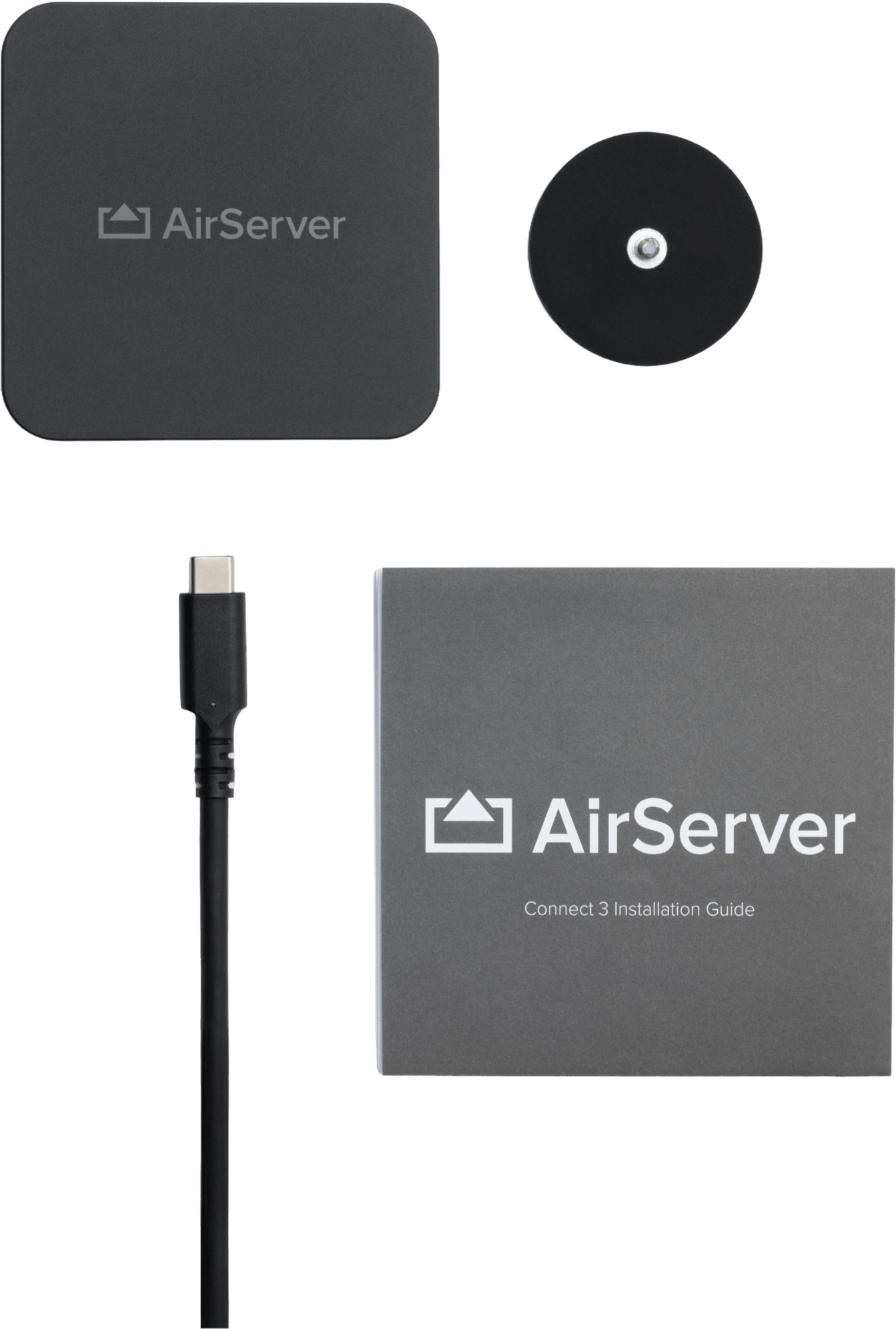
| In the box |
| ||||||
| Name | Type | Website |
|---|
Interested in becoming a partner? Contact us.